
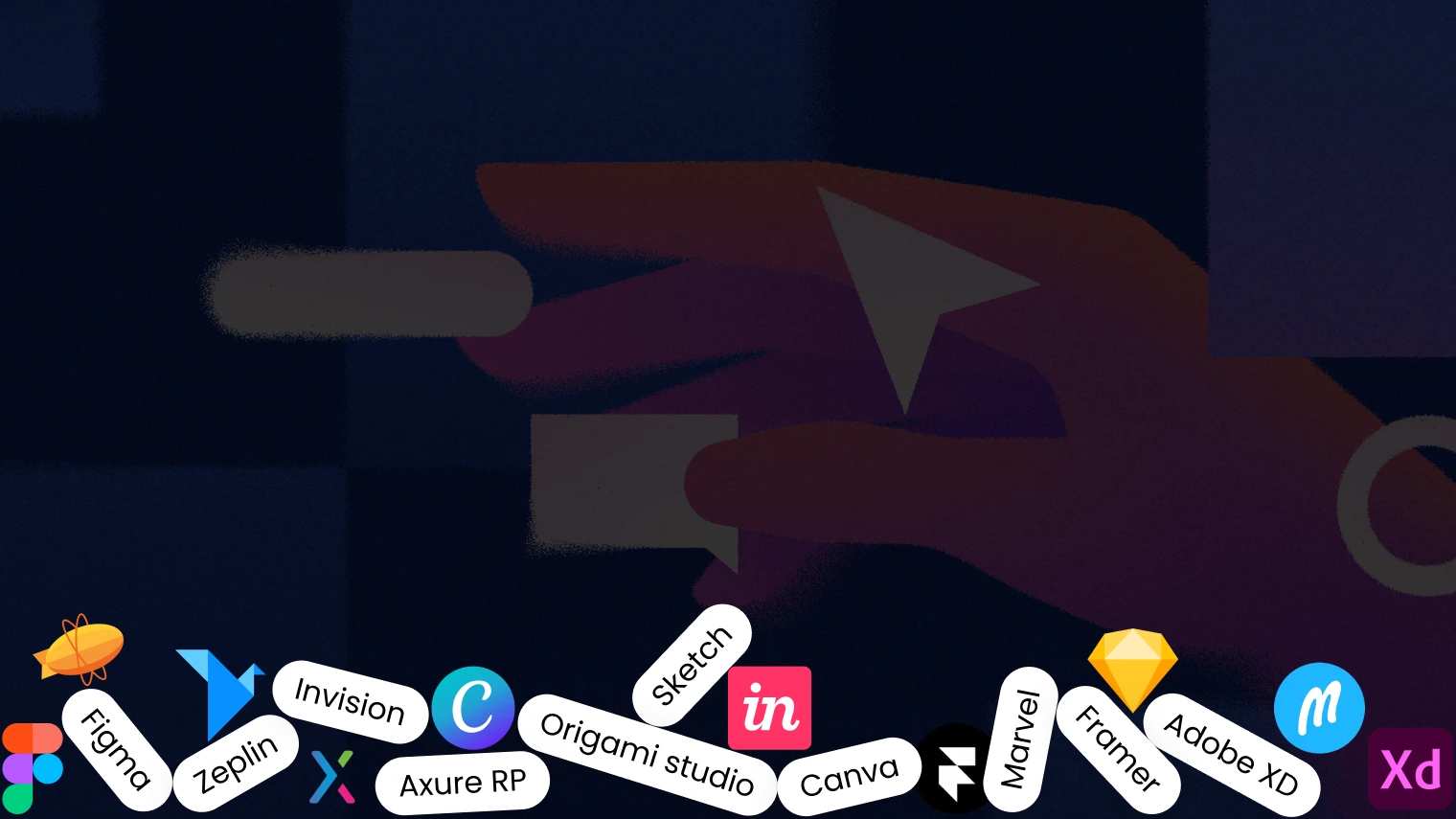
“Have you ever opened an app or visited a website and thought, ‘Wow, this looks amazing!’? Chances are, the magic you witnessed was a result of exceptional UI design. Behind those sleek interfaces and intuitive interactions lie powerful tools that help designers bring ideas to life.
As we step into 2025, staying updated with the best tools in the market is more important than ever. So, let’s dive into the top 10 UI designing tools you simply can’t ignore this year.”
Figma has been a favorite among UI designers for its collaborative capabilities. It’s like Google Docs but for design, allowing real-time collaboration on designs. In 2025, Figma continues to dominate with features like enhanced prototyping and AI-assisted design suggestions. Whether you’re working solo or with a team, Figma’s browser-based platform ensures you’re always in sync.
Sketch remains a go-to tool for Mac users. Known for its simplicity and vector-based design capabilities, Sketch has evolved over the years. Its extensive plugin library and seamless integration with prototyping tools make it a reliable choice for creating beautiful and functional interfaces.
Adobe XD has solidified its position as a top-tier UI design tool. With Adobe’s creative suite ecosystem, XD provides a comprehensive platform for design, prototyping, and collaboration. In 2025, its AI-powered features, like content-aware layout adjustments, are set to save designers hours of manual work.
InVision is a pioneer in prototyping and collaboration. Its focus on crafting interactive prototypes makes it invaluable for presenting ideas to stakeholders. The platform’s integrations with other design tools and its ability to create clickable prototypes keep it relevant in the competitive market.
While Canva is traditionally known for graphic design, its recent advancements in UI-focused templates and tools make it worth mentioning. Its ease of use and accessibility make it an excellent choice for beginners or non-designers stepping into UI design.
Axure RP stands out for its robust prototyping capabilities. It’s the tool of choice for creating complex, interactive prototypes. In 2025, Axure’s advanced features, such as conditional logic and dynamic content, cater to designers working on intricate projects.
Marvel is perfect for turning sketches and wireframes into interactive prototypes. It’s a user-friendly platform that’s ideal for small teams or solo designers. Marvel’s simplicity doesn’t compromise its effectiveness, making it a favorite among newcomers and seasoned professionals alike.
Framer bridges the gap between design and code. Its unique selling point is its ability to generate production-ready code from prototypes. Designers who want to push their boundaries and collaborate closely with developers will find Framer’s advanced animation and interaction capabilities invaluable.
Zeplin acts as a bridge between designers and developers. It’s not just a handoff tool; it’s a communication enhancer. By providing a clear specification of designs, Zeplin ensures developers have everything they need to bring a design to life without misinterpretation.
Developed by Facebook, Origami Studio is a powerful tool for designing modern interfaces. It’s particularly suited for creating high-fidelity prototypes with advanced interactions. Though it has a steeper learning curve, the results it delivers are worth the effort.
UI design tools aren’t just about creating beautiful visuals; they’re about solving problems. Whether it’s making apps more user-friendly, streamlining workflows, or enhancing accessibility, the right tool can make a world of difference. These tools are constantly evolving to meet the needs of designers in an ever-changing digital landscape.
Not every tool will suit every designer. Here are a few tips to help you choose:
The field of UI design is advancing rapidly, and the tools mentioned above are at the forefront of this evolution. By mastering these tools, you’ll not only enhance your design skills but also ensure your work stays relevant in the competitive market of 2025.
Staying ahead in the design world means constantly updating your toolkit. These 10 tools are shaping the future of UI design and empowering designers to create experiences that users will love.
Whether you’re a seasoned designer or just starting, exploring these tools will undoubtedly elevate your craft. If you’re looking to collaborate with a professional team that leverages these cutting-edge tools, consider partnering with a top-tier UI designing company in India to bring your vision to life.